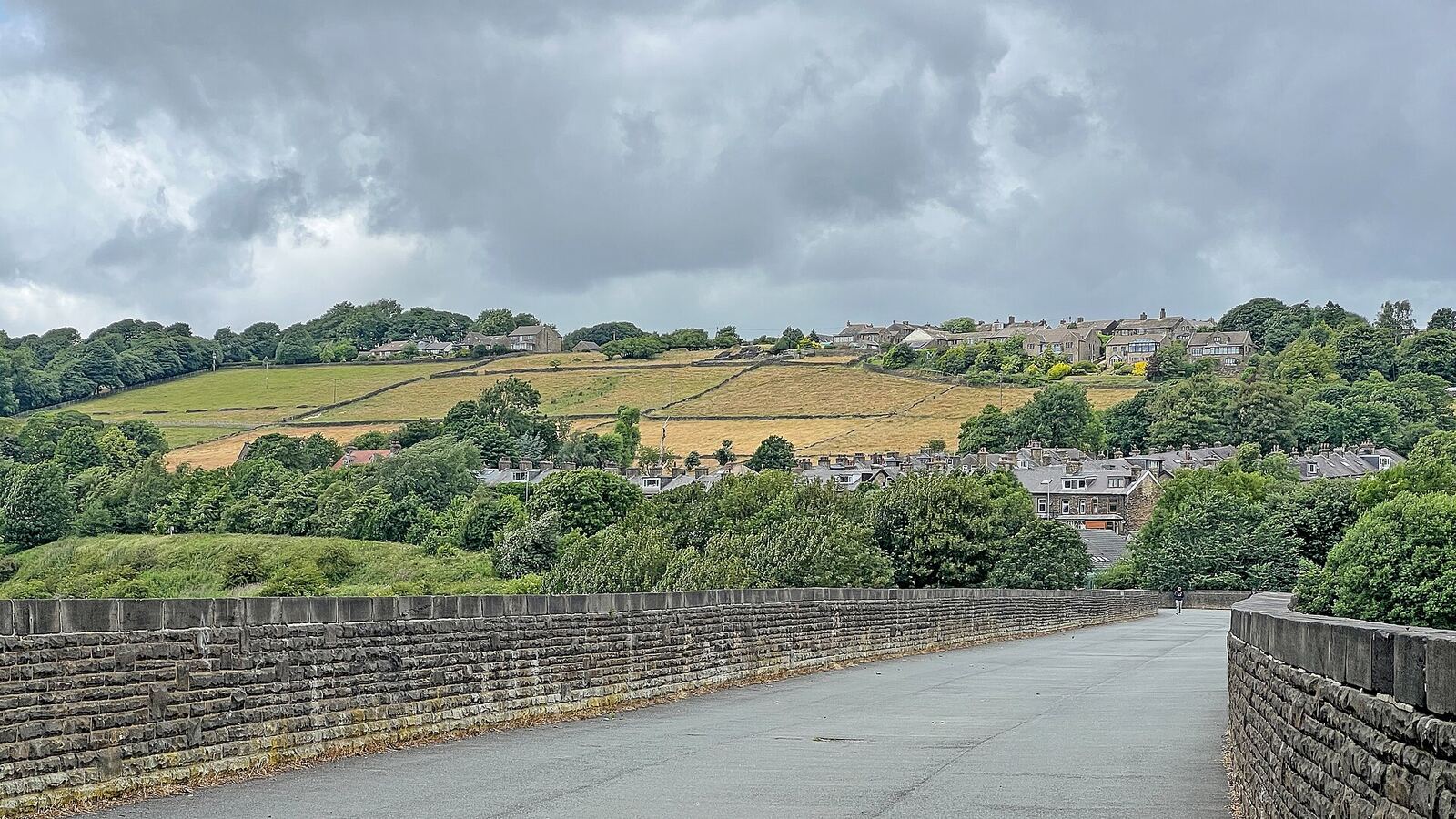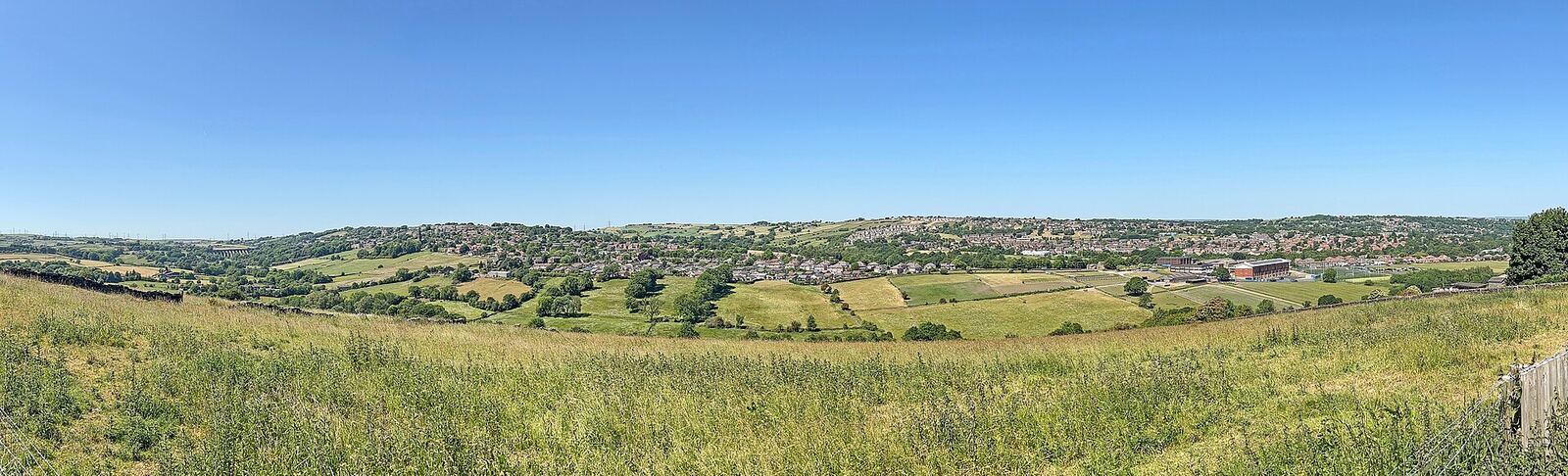
Every fixed wireless enquiry comes down to one question: can a point on your building see one of the provider's masts? Installers call this line of sight. It decides whether you can have the service at all, so it is worth understanding before you book a survey.
Why the signal needs a clear path
Most fixed wireless links use microwave radio, at much higher frequencies than broadcast radio or television. Radio at these frequencies behaves a lot like the beam of a torch. It travels in a straight line and can carry a great deal of data, but it does not bend round hills or pass through solid objects well. Lower-frequency signals, such as the ones that carry mobile phone calls, spread out and get through obstacles more easily, but carry less. That is why a phone can show a bar of signal in a valley bottom where a wireless broadband aerial would get nothing.
The aerial on your house and the equipment on the mast are both directional. Each concentrates its signal into a narrow beam aimed at the other, which is how a small, low-power unit can hold a steady link right across a valley.
Clear means more than just visible
The signal does not travel as a pencil-thin line. It fills a long, cigar-shaped space between the two aerials, widest in the middle, which engineers call the Fresnel zone. If a rooftop or treetop pokes into that space, the link can be weakened even though you can see the mast past it.
This is why installers like to mount aerials high, on a chimney or at the top of a gable end, and not at the first spot where the mast comes into view. A little extra height can turn a marginal link into a solid one.
What gets in the way
- The ground itself. A ridge or shoulder of hillside between you and the mast is the one obstacle nothing can be done about, short of using a different mast.
- Trees. The most common problem and the least predictable. Leaves hold water and soak up the signal, so a link that looks fine through bare branches in January can struggle in June. Trees also grow. A careful survey allows for both.
- Buildings. A neighbour's gable end, a mill, a barn. Stone and brick stop the signal dead.
- Your own roof. Sometimes the mast is on the far side of your own ridge line, and the answer is simply to use the other chimney.
On our own surveys in Queensbury and Thornton, tall trees and a neighbour's gable end are the usual obstacles.
What matters less than people expect
Distance. Copper broadband gets slower with every metre of wire. A radio link does not work that way. Within a network's coverage area, what counts is whether your roof can see the mast, not how far away it is. That is how we can often reach outlying farms and cottages as well as the village centres.
Ordinary bad weather. Heavy rain does weaken microwave signals a little, more so at the highest frequencies. Installers allow for this by aligning the aerial so there is signal to spare. Our kit is weather-sealed and set up with that margin for rain, fog and snow.
Walls and windows indoors. The aerial sits outside and a single cable brings the connection in to the router. How well the signal then reaches the back bedroom is a wifi question, which we cover in our guide to wifi in stone-built houses.
A quick check you can do yourself
- Work out which direction the high ground lies from your house. For our network, a view of open sky towards Queensbury is a good sign.
- Look out of the highest window on that side, or stand back in the garden or the street and look at your roofline.
- Note what sits between your roof and the skyline: open sky, rooftops lower than yours, a belt of mature trees, or rising ground.
- See whether there is a sound chimney, gable end or wall high enough to clear the roofline where a bracket could be fixed.
Please do not climb onto the roof to look. A view from a window or the garden tells you nearly as much, and the survey does the rest.
Open sky is promising. Trees or buildings on the skyline do not always mean no, because the mast may be visible from a different point on the building, or a different mast may serve you better. Only a survey settles it.
What the survey adds
Your own check is a guide. At the survey an engineer checks that your roof really can see a mast, that there is somewhere suitable to mount the aerial, and that there is a plug socket near where the cable would come into the house. We fit a small dish-style aerial, not a mast of your own.
Our survey is free. If it shows we cannot reach you, you pay nothing, and we will point you to the other providers who might. If it shows we can, installation usually takes two to three hours.
To start, try the postcode check for an indicative answer, or send us your address and we will take a proper look. If you are still weighing up the options, our comparison of fixed wireless, fibre, 4G/5G and satellite sets out where each one fits.