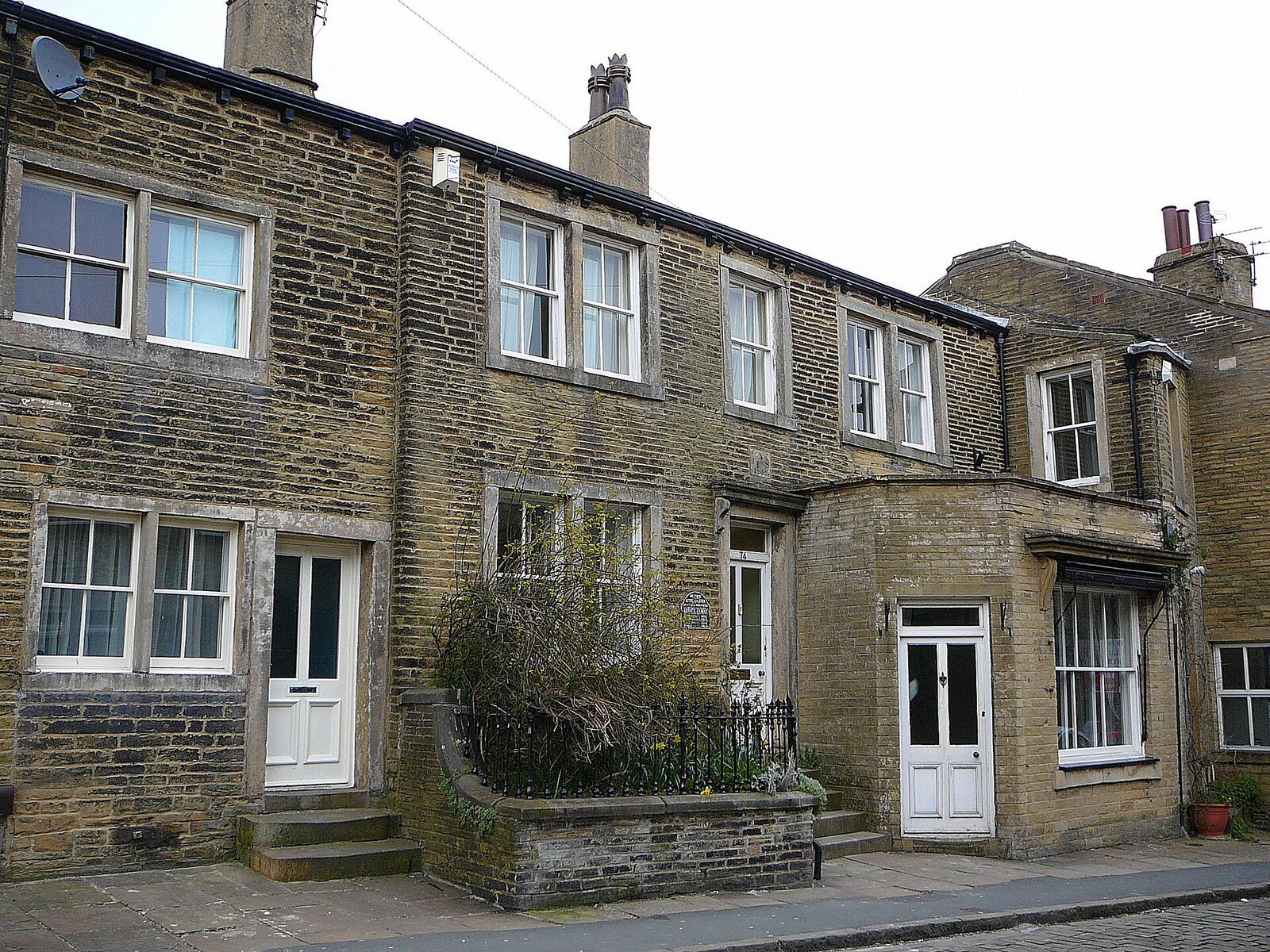
A lot of slow broadband turns out to be slow wifi. The connection reaches the router at full speed and then loses most of it trying to get through two feet of stone to the back bedroom. Houses on the tops are especially prone to this, with solid stone walls, a chimney breast in every room and extensions added over the years. The good news is that wifi problems can usually be fixed without changing your broadband at all.
First, find out which problem you have
- Plug a laptop into the router with a network (Ethernet) cable and run an online speed test. This shows the speed arriving at the house.
- Unplug the cable, stay next to the router and run the test again over wifi.
- Run it a third time in the room where things are slow.
If the wired result is poor, the issue is the broadband itself, and our guide to why broadband is slow at the end of the lane is the place to start. If the wired result is fine and the far room is poor, the problem is wifi.
Move the router
This costs nothing and often makes the biggest difference. Wifi spreads outwards from the router in every direction and weakens with each wall and floor it crosses. A router on the floor behind the television, in a front corner of the house, sends a good share of its signal out into the street.
- Put it as near the middle of the house as the cabling allows.
- Get it off the floor, onto a shelf or the top of a bookcase.
- Keep it in the open, not in a cupboard or inside a TV unit.
- Keep it away from large metal objects and water: radiators, fridges, mirrors and fish tanks.
- Give it some distance from microwave ovens, cordless phone bases and baby monitors, which can interfere with it.
With fixed wireless, a cable runs from the rooftop aerial to the router, so where that cable comes in has a lot to do with where the router ends up. If you are having an aerial fitted, by us or by anyone else, raise the router's position at the survey, before anything is drilled.
Know your two bands
Most routers broadcast on two bands. The 2.4GHz band travels further and gets through walls better, but it is slower and more prone to interference. The 5GHz band is faster but fades quickly through solid walls. Many routers put both under one network name and move devices between them automatically.
If a device far from the router keeps dropping out, it may be clinging to a weak 5GHz signal. Where the router lets you give the two bands separate names, putting that device on 2.4GHz can steady it.
It also helps to be clear about the goal. On a connection of 10Mbps or so, any reasonable wifi signal is faster than the broadband feeding it. What you want is a steady signal in every room, not record-breaking wifi speed in one of them.
What stone, foil and floors do
Thick stone and brick absorb wifi. Foil-backed insulation and plasterboard, common in loft conversions and newer extensions, reflect it almost completely. This is why the kitchen extension or the attic room is so often the dead spot. To get there the signal has to cross what used to be an outside wall, usually the thickest in the house, and may then meet a layer of foil.
No router setting fixes this. The signal has to start from the other side of the wall.
Extending the signal properly
In rough order of reliability:
- A wired access point. Run a network cable from the router to the far part of the house and fit a second wifi access point on the end of it. The cable carries the connection through the wall at full speed, and the access point gives that part of the house its own strong signal. It is the most dependable fix.
- Mesh wifi. A set of two or three units that work together as one network. They pass the connection between themselves by radio, so each unit needs to sit where it still gets a good signal from the last one: in a doorway or on a landing, not in the dead spot itself. Many mesh systems can also be joined by cable, which combines the two approaches.
- Powerline adapters. A pair of plugs that send data over your mains wiring. Results depend heavily on the wiring, so they work well in some houses and poorly in others.
- Plug-in repeaters. The cheapest option and the least effective. A basic repeater rebroadcasts whatever it receives, so if it sits where the signal is already weak it repeats a weak signal. Placed about halfway, it can rescue one awkward room.
Small things that add up
- Use a cable for things that never move, such as the television, a games console or a desktop PC. Every device taken off wifi leaves more room for the ones that need it.
- Check what is using the connection. A console downloading an update or a laptop backing up to the cloud can swallow the whole line.
- Consider its age. A router that came with a broadband package many years ago may struggle with a house full of modern devices.
Our own installation includes a router that we know works with our network. If you already have a mesh system or would prefer to use your own router, mention it at the survey and we will talk it through.
If you have tried all this and the wired speed at the router is still the problem, then it really is the broadband. Our comparison of fixed wireless, fibre, 4G/5G and satellite covers the options, and what speed do you actually need? helps you decide how much is enough. In Queensbury and Thornton, you can also check your postcode against our coverage.